Playtest Grimoire — Dev Toolbar for RPG Maker MZ (Teleport, Gold, Switches, Variables)
A downloadable tool
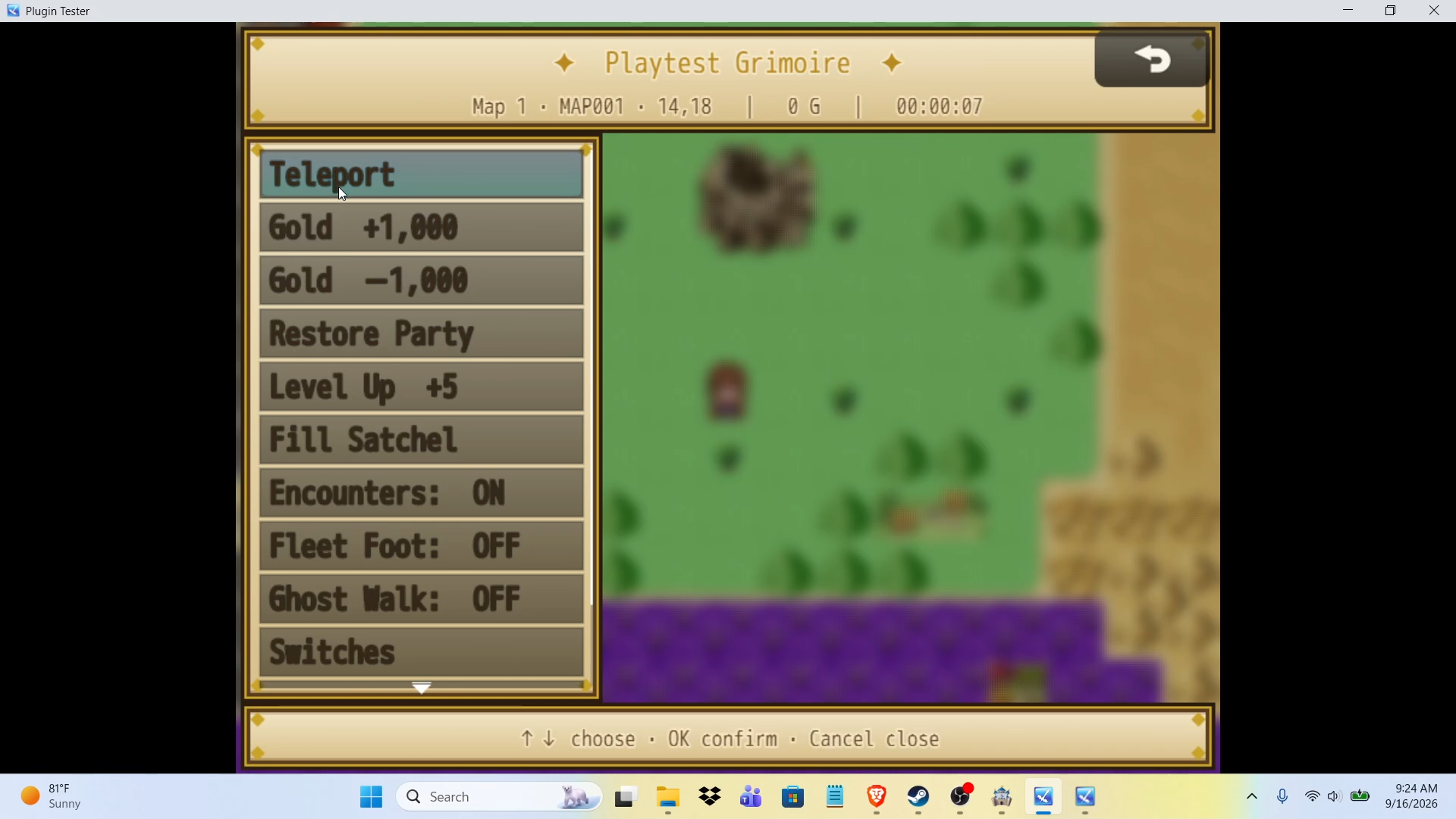
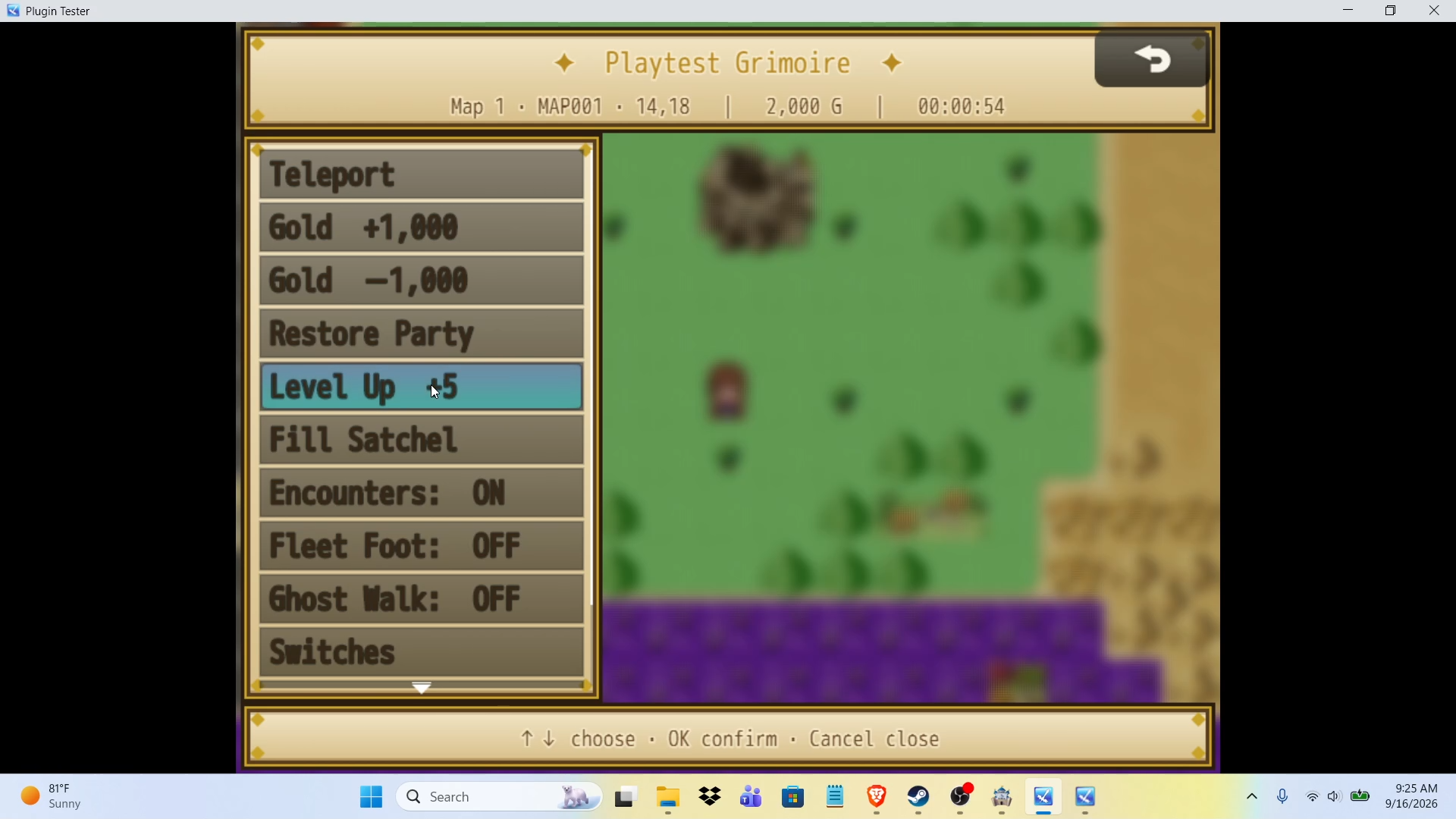
Stop walking across your map to test one event. Press F10 during a playtest and the Grimoire opens: a parchment spellbook with everything you keep re-implementing in debug events.
Commands
- Teleport to any map; you land on the nearest open tile to its centre
- Gold ± in the step you set
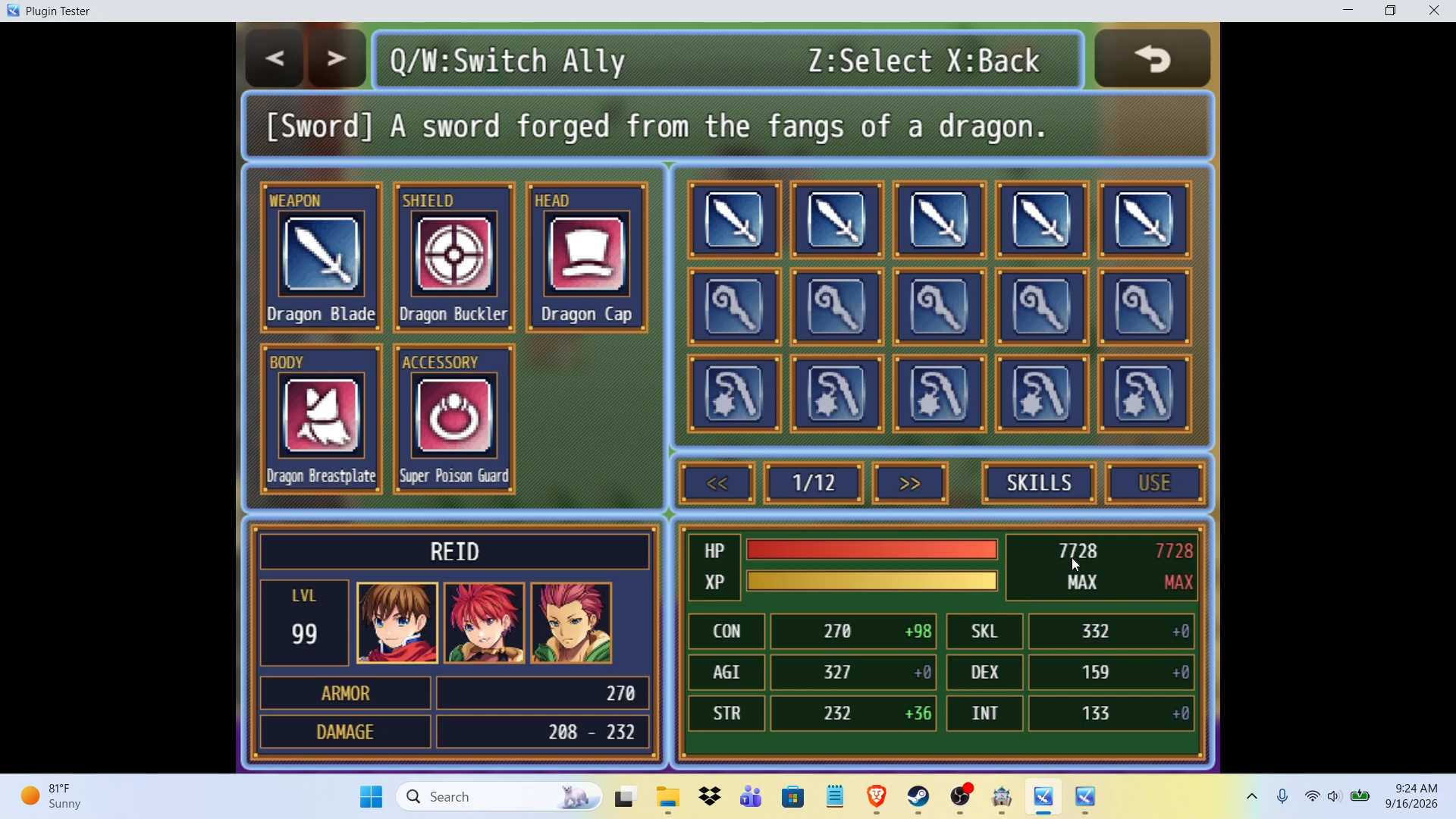
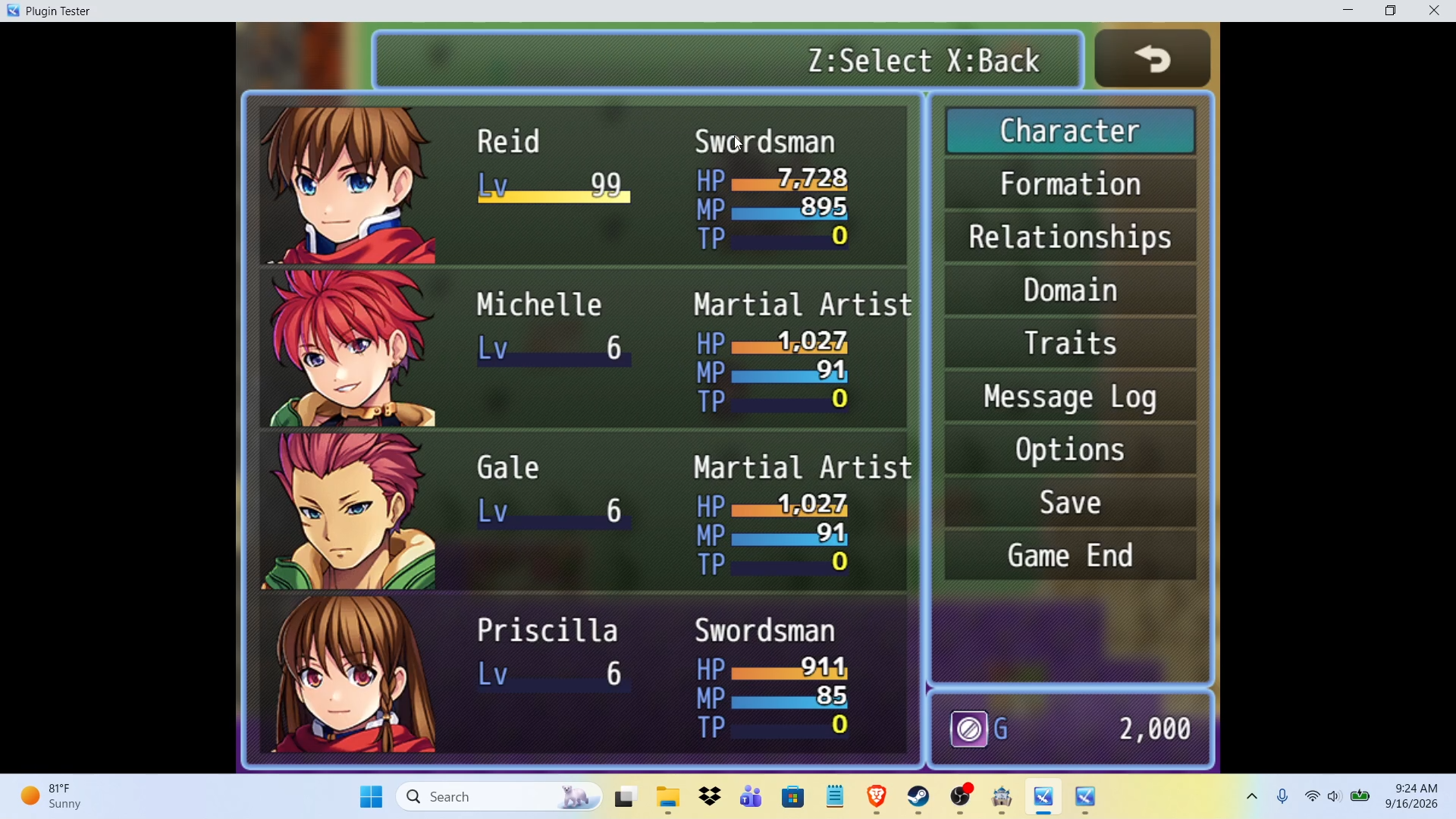
- Restore Party, Level Up, Fill Satchel (one of every item, weapon and armour)
- Encounters on/off · Fleet Foot (always dash) · Ghost Walk (through walls and events)
- Switches browser: OK flips one
- Variables browser: OK +1 · ←/→ ±1 · PgUp/PgDn ±10 · Shift+OK sets 0
Safe by default. It does nothing in deployed builds unless you turn on Allow In Deployed Builds. Fleet Foot and Ghost Walk are session toggles and are never written to a save.
Quick start
Copy RMP_PlaytestGrimoire.js into js/plugins/, enable it, set the hotkey if F10 clashes with anything. That's it.
Pairs with: MZ Companion. The Grimoire tests your game faster; Companion writes items, skills and enemies into your database from plain English.
Licence: Free for commercial and non-commercial projects. Credit appreciated, not required.
Download
Click download now to get access to the following files:
Leave a comment
Log in with itch.io to leave a comment.