Easy Trait-Tree | RPG Maker MZ Plugin
A downloadable plugin
🌳 Easy Trait Tree
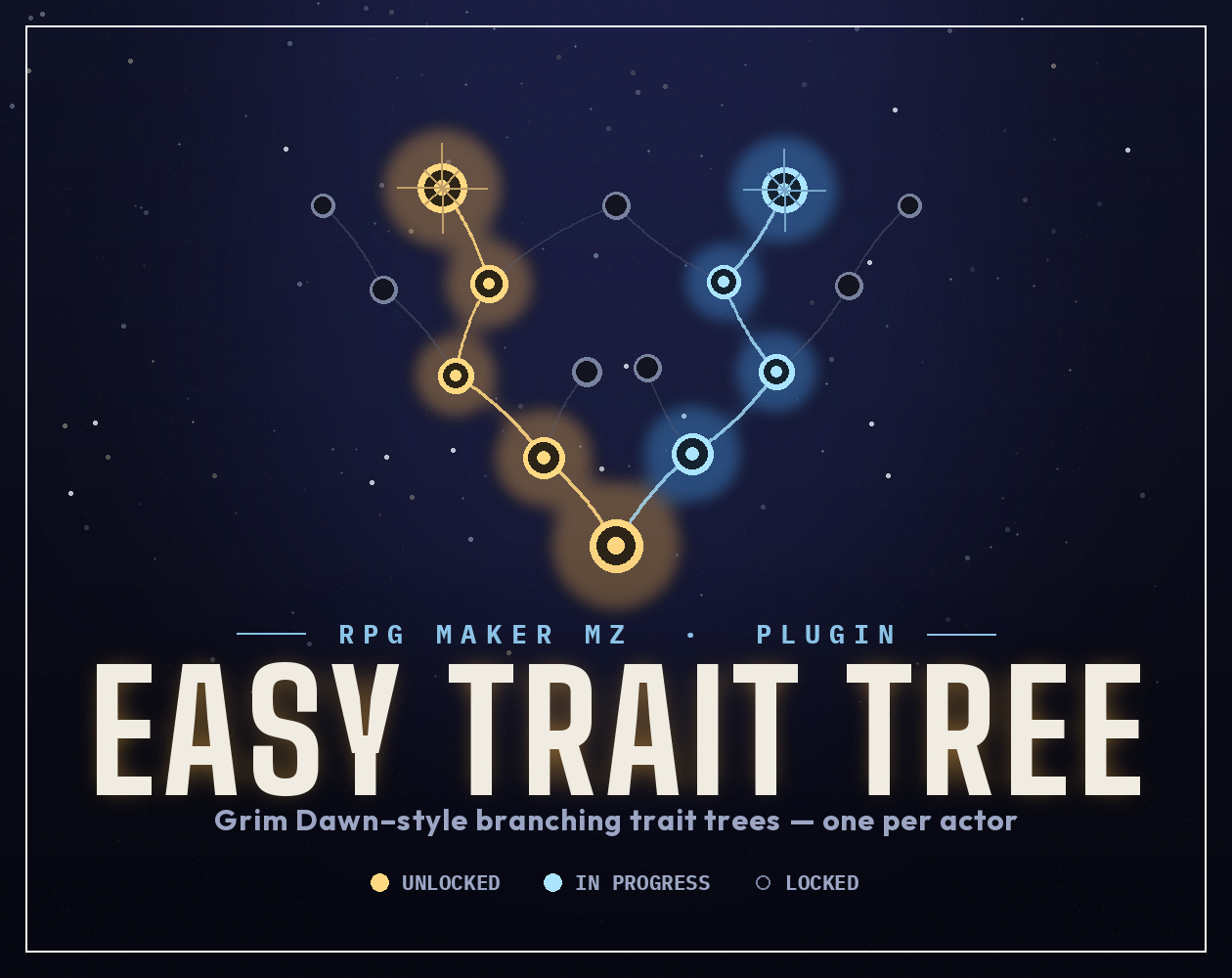
Give every hero their own path. Easy Trait Tree adds branching, node-based trait trees to RPG Maker MZ — the kind of upward-growing constellation you know from Grim Dawn and Assassin's Creed: Odyssey / Ancestors. Players spend Trait Points to light up nodes; each node only unlocks once the node it connects to has been started. Simple for players to read, and simple for you to build — every tree is defined right in the Plugin Manager. No scripting. No note-tag soup.
✨ Features
- One tree per actor. Assign a different tree to each character, each with as many branches as you like.
- Prerequisite-link unlocking. A node opens once a connected node has at least one rank — classic constellation gating.
- Multi-rank nodes. Let players pour several points into a single node for scaling bonuses.
- A mix of point sources. Award points automatically on level up, hand them out from events, or grant them with items.
- Respec / reset support. Toggle it on, refund spent points, and optionally charge gold to reset.
- Auto-arranged layout. Just give each node a tier (row) and a column — the plugin positions everything, draws the connecting lines, centers small trees, and scrolls large ones.
- Keyboard, mouse, and touch. Move node-to-node with the arrow keys or click/tap directly.
- Built-in menu command + plugin command to open the screen.
- Saves cleanly — progress is stored per actor and survives saves made before you added the plugin.
🧩 What a node can grant
Each node can hand out any mix of:
- Flat parameter bonuses — +ATK, +MaxHP, etc. (per rank)
- Percent parameter bonuses — +10% DEF, etc.
- Ex-Parameters — hit rate, evasion, critical, regen…
- Sp-Parameters — recovery, MP cost, pharmacology, EXP rate…
- Element resistances — take less (or more) of a damage type
- Learned skills — taught while the node is active, removed on reset
- Passive states — applied for as long as the node has a rank
- Advanced raw traits — any engine trait via code / dataId / value, for power users
🛠 How it works (developer side)
- Open the plugin parameters → Trees → add a tree with an ID and name.
- Add Nodes. For each one set its Tier (row), Column (x-slot), Prerequisite Node IDs, cost, max rank, and effects.
- Open Actor Tree Assignments → give each actor a tree by ID. (Or drop
<TraitTree: id>in an actor's note box.) - Done. Points arrive on level up, and players open the tree from the Traits menu command.
🎮 How it works (player side)
Open the tree from the menu. Nodes are colour-coded at a glance:
- 🟡 Gold — maxed out
- 🟢 Green — available to invest in right now
- 🔵 Blue — already invested, room for more
- ⚪ Grey — locked (finish a prerequisite first)
Select a node to see its full effect breakdown and requirements, confirm to spend a point, and — if you've allowed it — press Shift to respec.
⚙️ Installation
- Copy
EasyTraitTree.jsinto your project'sjs/plugins/folder. - In RPG Maker MZ, open the Plugin Manager and add EasyTraitTree.
- Set up your trees and actor assignments in the parameters.
- Save and playtest!
The plugin reads its own filename, so you're free to rename the file if you like.
📋 Quick reference
Plugin commands: Open Trait Tree · Gain Trait Points · Set Trait Points · Reset Trait Tree · Assign Tree To Actor Item note tag: <TraitTreePoints: n> — grants n points to the actor the item is used on Actor note tag: <TraitTree: treeId> — overrides the assigned tree
✅ Compatibility
- RPG Maker MZ only (not MV).
- Applies bonuses through standard MZ systems (
paramPlus, trait objects, states, learned skills), so it plays nicely with most projects. If you use other plugins that heavily rewrite actor parameters, place EasyTraitTree below them in the Plugin Manager list.
📜 Terms of use
Free to use in commercial and non-commercial RPG Maker MZ projects. You may edit the code to fit your game. Credit is appreciated but not required. Please don't resell or redistribute the plugin itself as your own asset.
❓ FAQ
Do I need to know how to code? No. Every tree, node, and effect is built in the Plugin Manager with dropdowns and number fields. The only optional "code" is an advanced raw-traits field for power users.
Does it work with RPG Maker MV? No — this is an MZ plugin and uses MZ's engine structure. It won't run on MV.
Can each character have a completely different tree? Yes. That's the core design: you assign a separate tree to each actor, and each tree can have as many branches as you want.
Can two actors share the same tree? Yes — just assign them the same tree ID. They'll each track their own independent progress.
How do players earn points? Three ways, and you can mix them: automatically on level up (configurable amount), through the Gain/Set Trait Points plugin commands in events, and from items tagged <TraitTreePoints: n>.
Can nodes have more than one rank? Yes. Set a node's Max Rank above 1 and its bonuses scale per rank.
Can players respec? Yes, if you enable it. You can refund all spent points and optionally charge gold. Reset is available in-menu (press Shift) or via the Reset Trait Tree plugin command.
Will progress save? What about saves made before I added the plugin? Progress is stored per actor and saves normally. Existing save files are handled gracefully — actors initialise their trait data the first time it's needed.
How do I open the tree? Via the auto-added Traits menu command (rename or hide it in the parameters), or the Open Trait Tree plugin command for a specific actor from an event.
Can I change or hide the menu command? Yes. Set the command name in the parameters, or leave it blank to hide it entirely and open the screen only through the plugin command. You can also gate it behind a switch.
Does it support passive skills, states, and elemental resistances? Yes — nodes can teach skills, apply passive states, grant element resistances, and adjust every base/ex/sp parameter.
My tree is huge. Will it fit on screen? Small trees are auto-centered; larger trees scroll as you move between nodes, so there's no hard size limit.
Can I use it in a commercial game? Yes. See Terms of Use above.
It conflicts with another plugin — what do I do? Try moving EasyTraitTree lower in the Plugin Manager order (below stat/parameter plugins). If it still misbehaves, leave a comment describing the other plugin and what you're seeing.
🗒 Changelog
v1.0.0
- Initial release.
Download
Click download now to get access to the following files:
Leave a comment
Log in with itch.io to leave a comment.