Turn 1 Hour Gameplay Into 1,000 with Dynamic Building Interiors - RPG Maker MZ
A downloadable plugin
Instructions:
- Create a blank map and bind it. Make a new inside map at any small size — the plugin overwrites the geometry on entry, so you don't draw anything. Bind it by adding the note <Building Interior: general_store> (or <Building Interior: blacksmith>) in Map Properties, or by setting the entry's Map ID instead. No walls, no floor, no region painting — generation handles all of it.
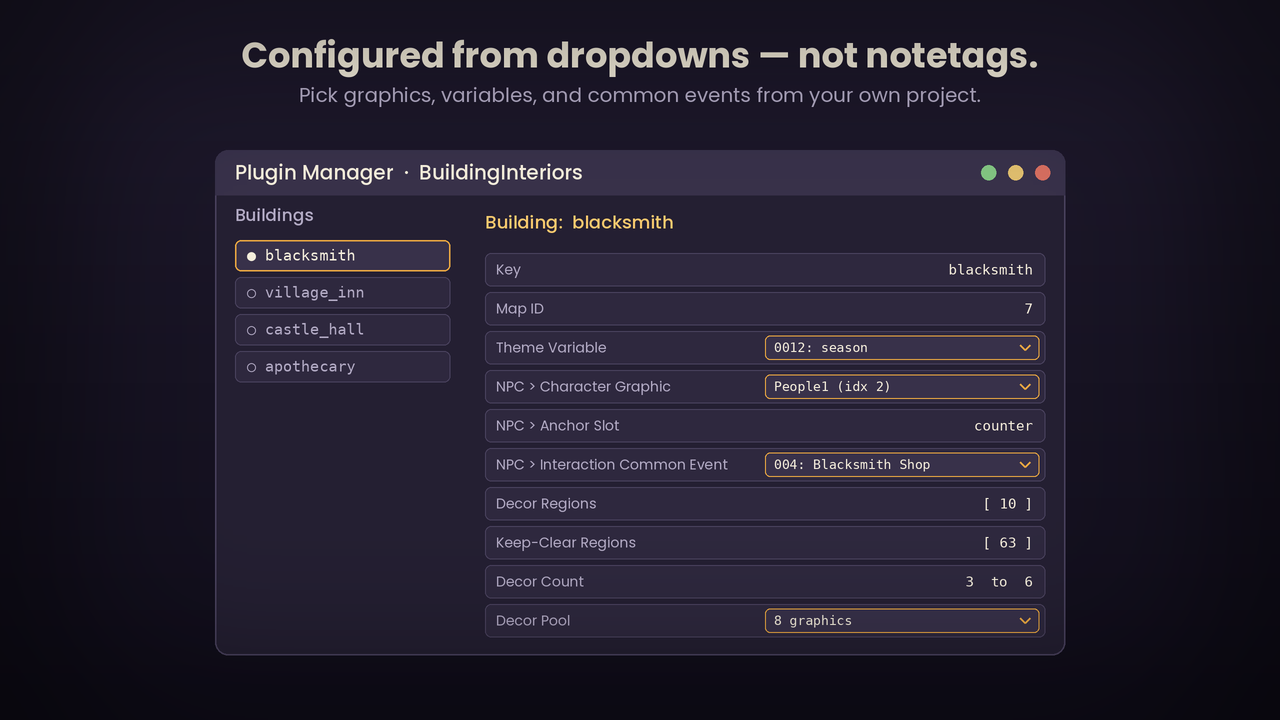
- Add the entry and turn on generation. Plugin Manager > BuildingInteriors > Buildings > add a row. Set Key (general_store or blacksmith). Flip Auto-generate room to Generate. Pick the Archetype from the dropdown (shop for the store, workshop for the smith). Pick your Tileset from the dropdown. Set Generated Width/Height — 15 x 11 is a good starting room. That alone builds the walls, floor, doorway, and zones when the player walks in.
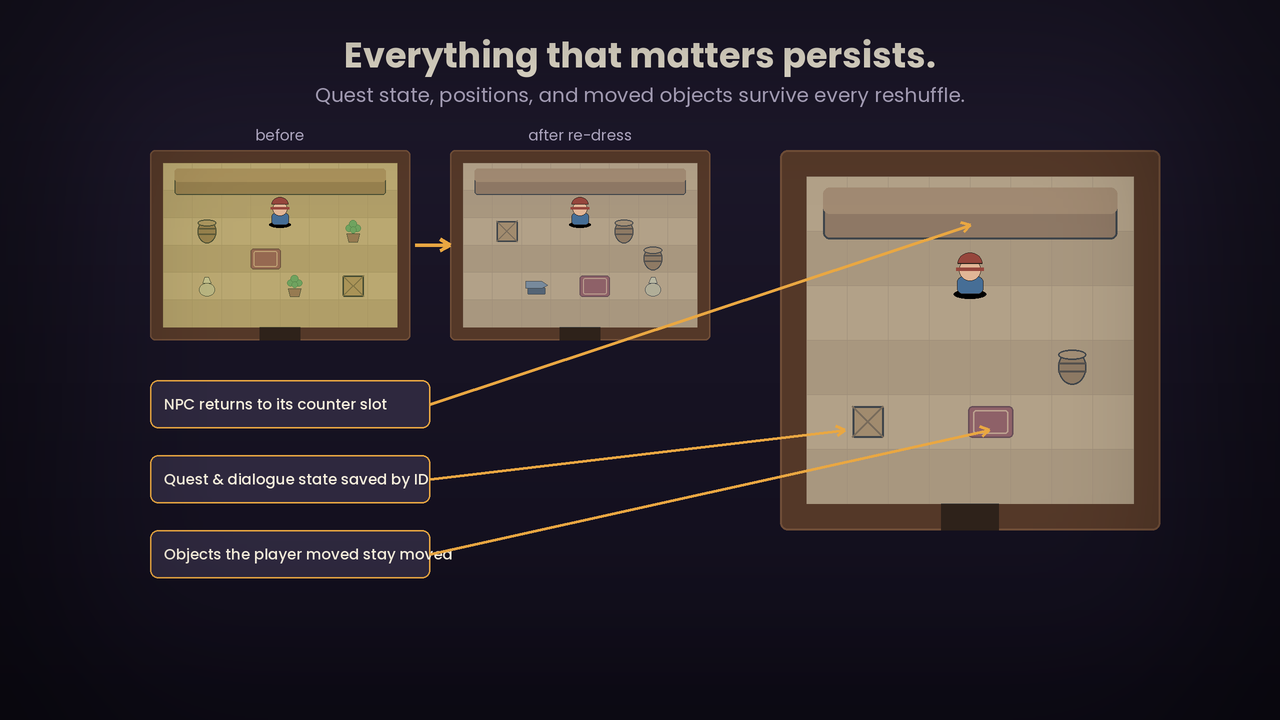
- Add your NPCs. Open the NPCs list and add one row per NPC. Set each NPC's Anchor Slot to one of the archetype's slot names (see the table below this card), pick a Character Graphic and an Interaction Common Event (the shop, dialogue, or quest logic), and give each a unique Persistent Id. Leave the Anchors list empty — the archetype defines the slots and paints their tiles for you.
- Fill the decor pool. Open the Decor list and add rows, each with a Character Graphic for a piece of furniture or clutter, and a weight if you want some to appear more often. Set Decor Count to the archetype's range (table below). The room stays empty of furniture until at least one decor graphic is assigned — that's expected.
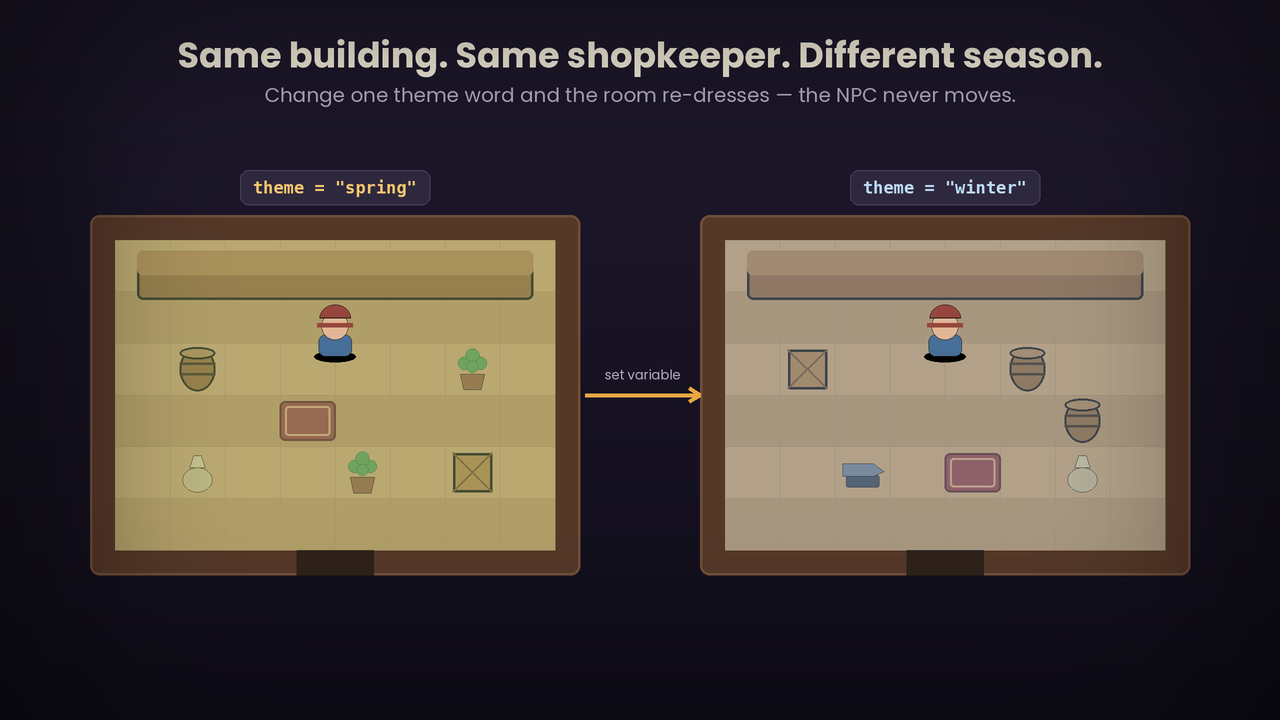
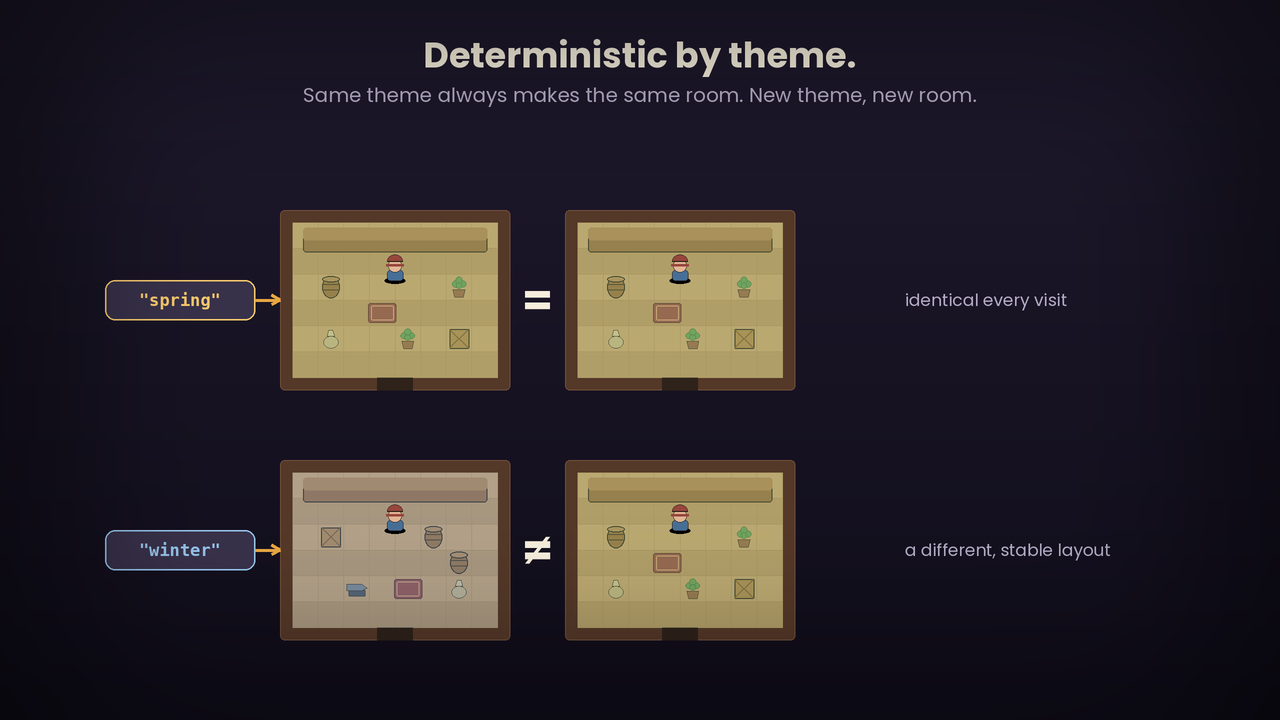
- Set the theme and walk in. Both of these are state-driven buildings, so set their look with the Set Building Theme plugin command from an event (e.g. general_store / stocked, or blacksmith / active), or just walk in and it falls back to a valid default layout. On entry the room generates, the primary NPC takes its slot, and the decor scatters into the zone.
- Confirm the tileset looks right. If the floor or walls render wrong, that tileset isn't using the standard interior layout (floor = A2 base, wall = A4 base). Set the advanced Floor Tile ID / Wall Tile ID overrides on the entry once for that tileset. Most default-style interior tilesets need no override. If you can walk onto the wall border, swap the Wall Tile ID to that tileset's impassable wall-side tile.
Purchase
In order to download this plugin you must purchase it at or above the minimum price of $10 USD. You will get access to the following files:
Leave a comment
Log in with itch.io to leave a comment.